Helicopter Controls: Safe First Flight
A safe first-flight checklist plus a timestamped PC profile and a cross-published catalogue comparison; treat every binding as a build-sensitive starting point, not a universal default.
Helicopters are part of the official Vietnam battlefield toolkit. Two recent third-party control guides publish one PC catalogue, while KAISER Mtbb’s public video records a different creator profile and visibly shows mouse helicopter control enabled at about 02:05. Because the sources conflict, the current in-game Controls screen is the only safe authority for exact bindings.
Quick facts
- Official feature
- Helicopter units are named on the official game page
- Observed PC profile
- W/S · A/D · mouse · E · Space
- Published catalogue
- W/S · A/D · mouse buttons · Space/Ctrl · Shift · E
- Visible settings check
- Control helicopter with mouse: On at about 02:05
- Binding boundary
- Creator profile only; verify current platform and build
- Patch 1.3 control note
- Helicopter inversion and controller Layout B behavior were corrected
Do this in order
Complete the tutorial boundary first
Use the current tutorial and settings screens to learn the aircraft controls before taking a live helicopter role.
Success signal: You can identify the aircraft control section and explain which input changes altitude, direction or view in the current build.
Failure check: If a control is missing, check the platform-specific bindings rather than copying a keyboard chart from another build.
Read the landing area
Before lifting off, confirm the squad request, destination and available landing space. Announce the route to the squad.
Success signal: The squad knows the destination and you have a clear reason for the flight.
Keep the first flight simple
Fly one short transport route and prioritize a safe arrival over speed or low-altitude stunts.
Success signal: The squad reaches the requested area and the aircraft remains available for the next task.
Failure check: If the route becomes unclear, return to the last confirmed call instead of improvising a new landing point.
Review the current patch note
Check the latest official patch notes for aircraft, movement or keybind changes before relying on an older guide.
Success signal: Any aircraft advice you use has a visible build or checked-date boundary.
Do not freeze an old keybind chart
The profile below comes from KAISER Mtbb’s public video published on 2026-08-22. The captions locate the binding discussion and the player view was checked at about 02:05, where “Control helicopter with mouse” is visibly enabled. The video does not state an exact build, and the creator says they changed defaults, so reproduce it only after opening the current binding screen.
Recorded PC pilot profile (community example)
This is the exact set of inputs described in the video, not an official cross-platform keybind chart. “Not recorded” is intentional: the source does not establish every aircraft action, free-look key or default value.
| Action | Observed binding | Evidence boundary |
|---|---|---|
| Control helicopter with mouse | On | Visible in the player settings screen at about 02:05; creator setting, not a default claim |
| Collective increase | W | Creator’s PC profile; verify in the current UI |
| Collective reduce | S | Creator’s PC profile; verify in the current UI |
| Left / right aircraft input | A / D | Transcript describes A/D as standard left/right; exact axis wording is ambiguous |
| Pitch forward / backward | Mouse | Creator’s profile; mouse direction must be tested locally |
| Roll left / right | Mouse | Creator’s profile; mouse direction must be tested locally |
| Helicopter supply drop | E | Creator’s profile; seat and role context still matter |
| Auto-level | Space | Creator’s profile; not a universal default claim |
| Recon flare (co-pilot) | Space | Role-gated example in the video; not a universal default claim |
| Free look | Not recorded | The source does not establish a key; do not infer one |
Cross-published PC catalogue (not a default)
Two independent third-party guides publish the same launch-era PC catalogue: W/S for pitch, A/D for roll, left/right mouse button for yaw, Space/Left Ctrl for collective, Left Shift for auto-level and E for supply drop. This agreement makes the rows useful as a search and testing checklist, but neither page is an official control manual and neither replaces the current client.
The comparison below keeps the disagreement with the KAISER profile visible. It is more useful than choosing one chart by popularity: test each conflicting action in Practice Range, then record platform, build and the exact displayed label.
| Action | Cross-published PC catalogue | KAISER profile | Decision rule |
|---|---|---|---|
| Pitch forward / backward | W / S | Mouse | Sources conflict; read the current Controls screen |
| Roll left / right | A / D | Mouse | Sources conflict; test direction in Practice Range |
| Yaw left / right | Left / right mouse button | A / D described as left/right aircraft input; axis is ambiguous | Do not infer the axis from the label alone |
| Collective increase / reduce | Space / Left Ctrl | W / S | Sources conflict; test altitude input before takeoff |
| Auto-level | Left Shift | Space | Sources conflict; use the displayed binding |
| Helicopter supply drop | E | E | The only converging binding; verify seat and role context |
| Control helicopter with mouse | Settings workflow recommends checking this toggle | On at about 02:05 | Visible creator setting; not a universal default |
| Recon flare (co-pilot) | Not recorded | Space | Role-gated player example; current UI wins |
Transport before spectacle
For a first live flight, success means the squad reaches the requested area and the aircraft remains useful. Test the observed profile in a tutorial or practice context, then avoid turning one community gameplay clip into a recommendation for aggressive flying or a fixed route.
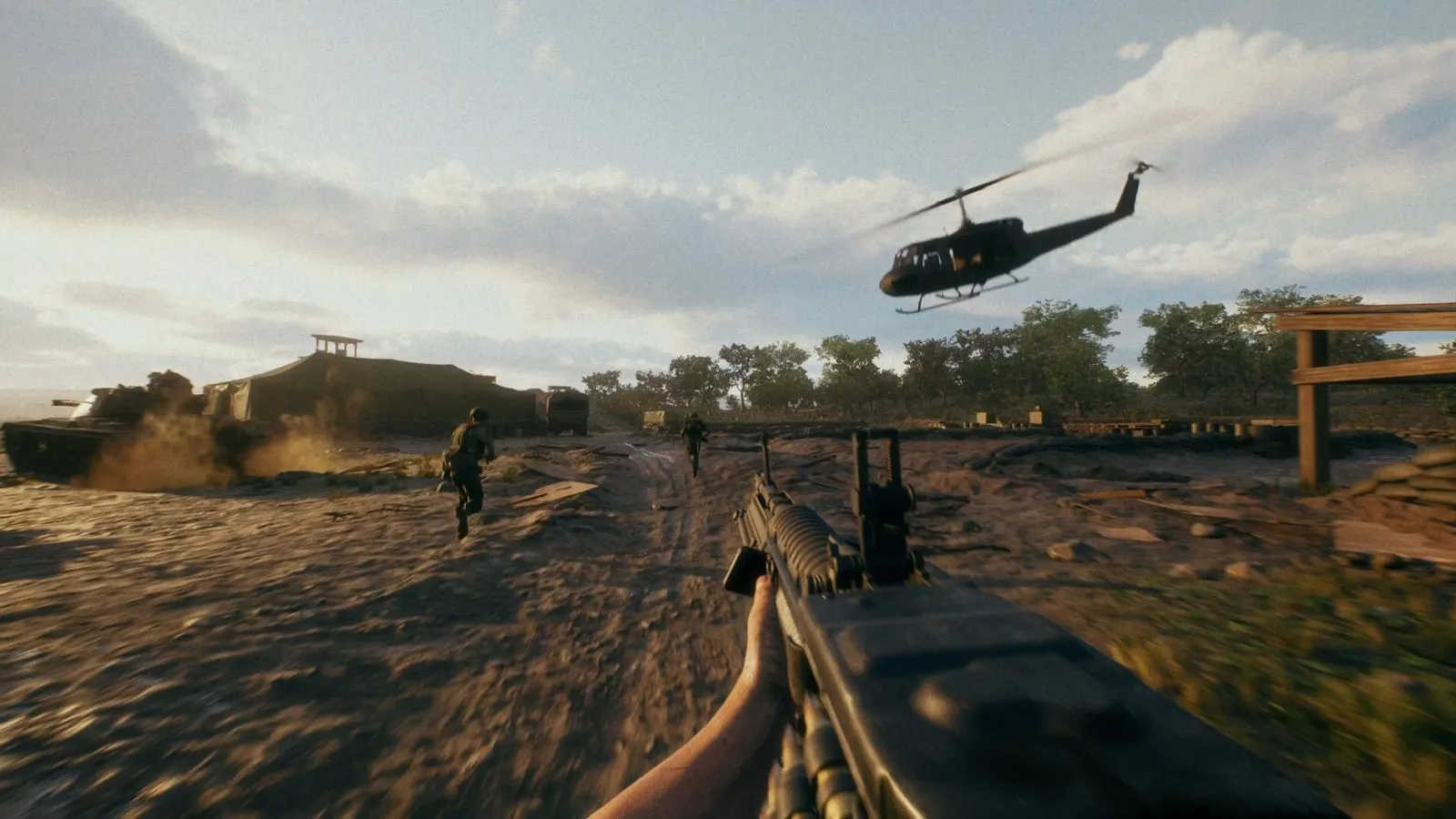
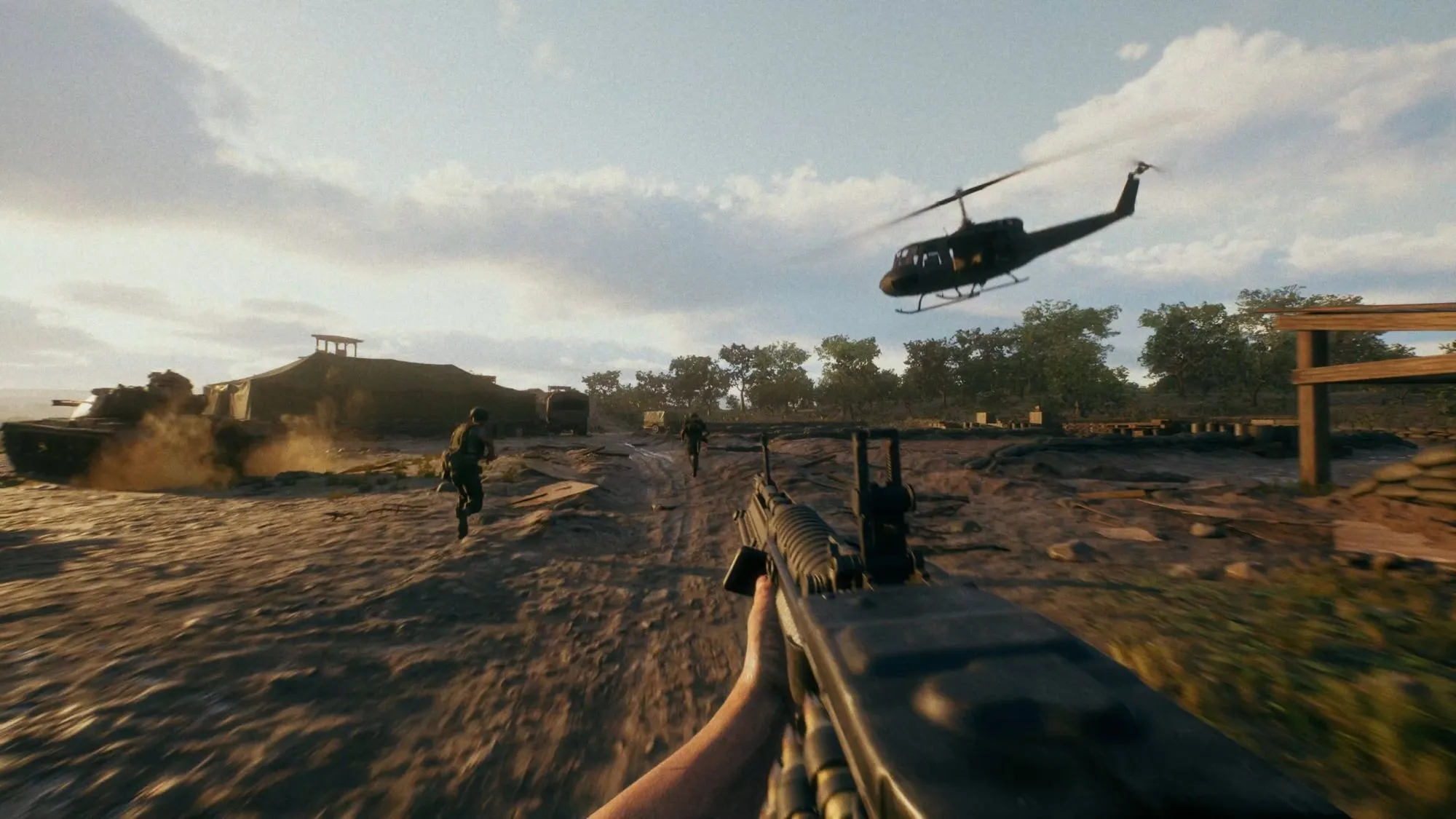
Patch 1.3 control checks
Patch 1.3 says the Helicopter Inversion setting now applies correctly: pushing forward on the analogue pitches down by default, while invert changes that behavior. It also records a fix for helicopter pitch inversion with Controller Layout B and a fix that keeps a co-pilot’s control after the pilot dies.
- Open the current controller layout and confirm the displayed button assignments before takeoff.
- Test the direction of pitch in a safe tutorial or practice context before a live transport run.
- If the behavior differs, record platform, layout, inversion setting and build; do not copy a keyboard chart from another version.
What remains platform-sensitive
The official Patch 1.3 notes confirm fixes for helicopter inversion and Controller Layout B, but they do not publish a universal keyboard table. The current client must win over the conflicting PC sources above. Infantry controls, console controls, free look and any changed defaults remain current-client verification work.