First Match Beginner Guide
A low-risk first-match route: complete the official tutorial, join a squad, communicate and learn the active objective before taking command roles.
Start with the official Getting Started tutorial, then join a squad and use communication to learn the active objective. The launch material says the Squad Leader and Commander tutorials are required before those roles, so leave command roles until you have completed their specific tutorials.
Quick facts
- Start state
- A new player before the first public match
- First action
- Complete the Getting Started tutorial
- Command-role gate
- Squad Leader and Commander tutorials are required first
- First-match success signal
- You can identify the active objective and stay connected to your squad
Do this in order
Complete Getting Started
Open the official Getting Started tutorial before the first public match and keep the current in-game movement vocabulary visible.
Success signal: You can identify the active objective, squad context and basic movement loop before queuing.
Failure check: If a tutorial label differs, follow the current build and record the platform rather than copying an older menu screenshot.
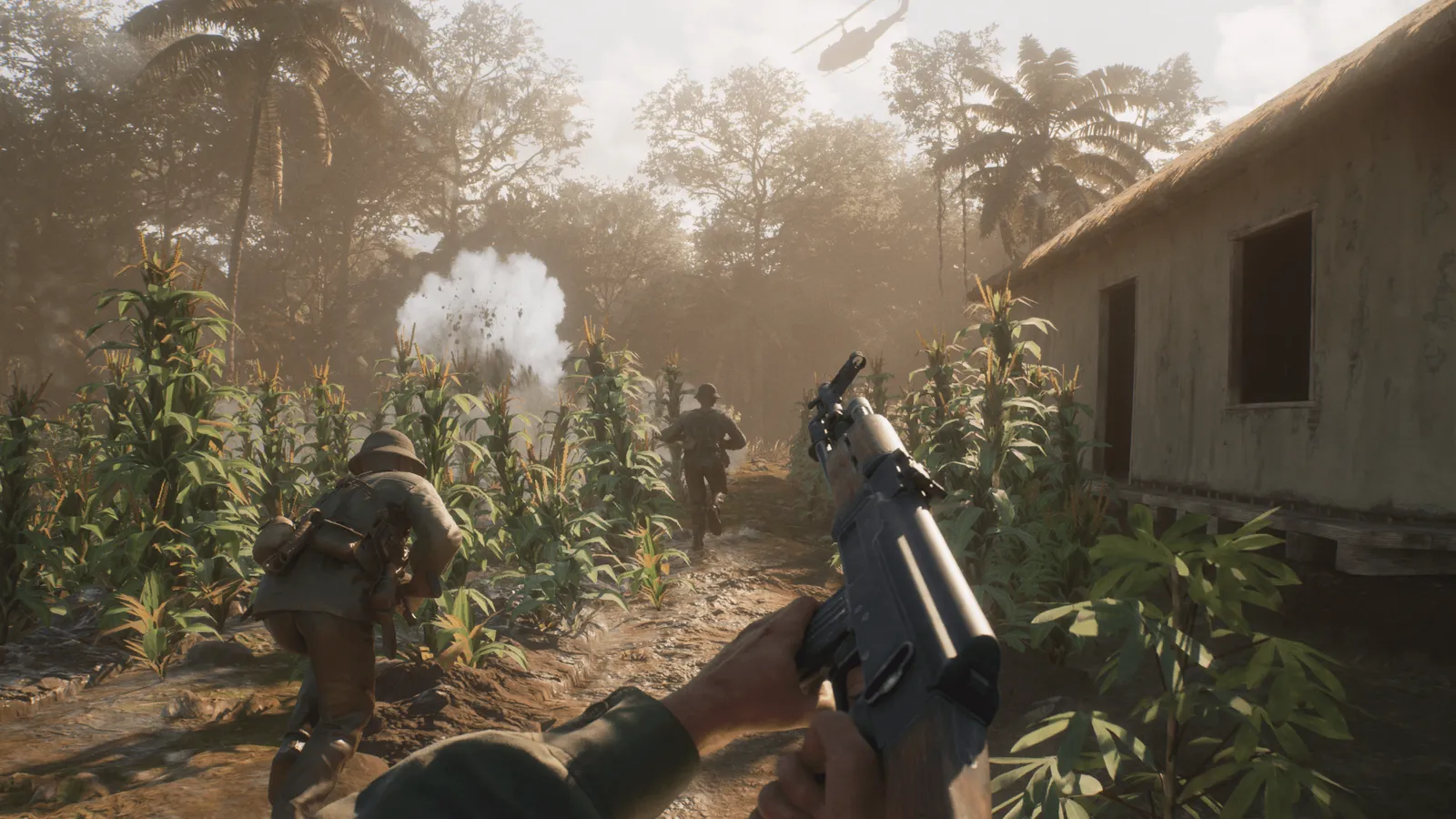
Squad movement on a jungle path from the official media set. Join a squad
Choose an open squad, take a non-command role you understand and ask what the squad is doing before moving out.
Success signal: You are attached to a squad and have a clear first destination.
Communicate and follow the objective
Use short calls about position, direction and intent, then keep the active objective on the map while you move.
Success signal: You can tell where your squad is, why it is moving and when to return to the objective.
Leave command roles for later
Complete the Squad Leader and Commander tutorials before taking those roles in a live match.
Success signal: Your first match builds map and communication habits without making you responsible for the whole team.
1. Open Getting Started before queuing
The official launch information describes Getting Started as an optional tutorial and says Esc can skip it. For a first match, treat it as the required preparation step: learn the game’s vocabulary and movement loop before adding live-server pressure.
- Choose Getting Started from the in-game tutorial list.
- Do not skip it on the first run; the official skip instruction is Esc if you need to leave it later.
- Do not select Squad Leader or Commander until the corresponding tutorial has been completed.
2. Join a squad and communicate
The official launch tips put communication first. In the first live match, join a squad, state what you are doing, and ask which objective is active before moving away from the group. This is a recommended play pattern, not a claim about a universal keybind.
3. Follow the active objective
Use the tactical map and squad communication to keep your position tied to the active fight. Your first success signal is not a kill count: it is knowing where your squad is going, why it is going there, and when to return to the objective.
4. Choose a specialist role later
After one or two matches, compare the 17 named roles in the current Steam About section. The official game page separately reports 19 specialised roles without naming the extra two; use the named roster for navigation, then use the live role screen for availability, loadout and progression.
Troubleshooting and version boundary
If a menu label or control differs, follow the current build and then check the latest official patch note. Do not rely on a community keybind chart as a universal rule; controls and tutorials can change between patches.